
Oil is one of the few markets where almost everyone watches it and almost nobody has a good way to be notified about it. Crypto has a hundred alert apps. Stocks have your broker. Oil? You either keep a browser tab open on a quote page, or you find out about a $4 move from a news headline the next morning.
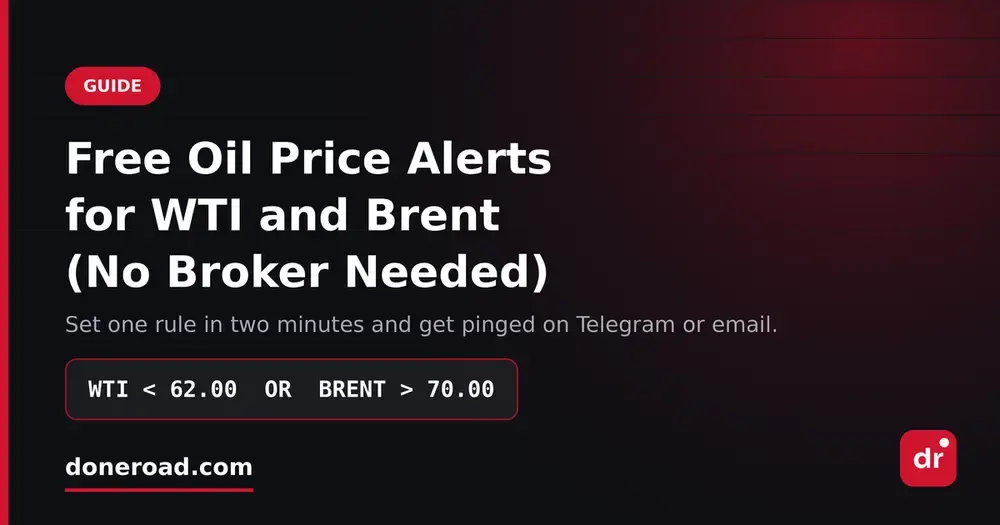
Here's how to set a free WTI or Brent price alert in about two minutes, with no broker account and nothing to install.
Why oil alerts are different
Oil doesn't trade in isolation. WTI and Brent move together most of the time, and the spread between them is itself a signal. A single-price alert — "tell me when WTI hits $62" — tells you a number but not what's happening. You'll get pinged on a quiet intraday drift and miss the session where both benchmarks break down together.
The other issue is timing. Energy news lands at inconvenient hours: OPEC+ headlines, inventory data, geopolitical events over a weekend. If your alert depends on an app being open or a session being alive, that's exactly when it fails you.
Write a condition, not a price
The useful unit isn't a price level — it's the combination that means your plan is live.
IF WTI < 62.00 OR BRENT > 70.00 → notify me
That's a range-break alert. Either leg means the same thing: oil left the range it's been stuck in, go look at the chart.
IF WTI < 62.00 AND BRENT < 66.00 → notify me
That's a confirmation alert. It only fires when both benchmarks are weak — real demand-side softness, not one contract having a thin session. Set those as two separate price alerts and you'll be pinged constantly for nothing and eventually mute both.
You can also tie oil to something else you care about, since energy bleeds into everything:
IF WTI > 78.00 AND XAU > 3,400 → notify me
Oil and gold rising together is a specific macro story. No standard quote-page alert can express that.
Setting it up
- Go to doneroad.com and create a free account — no card, no download, no broker link.
- Pick your instrument. Oil, gold, crypto, forex and stocks are all in there.
- Add your first condition: price above or below your level.
- Add a second condition with AND or OR if your setup needs one.
- Read the plain-English preview — it says in one sentence exactly when the alert will fire, so you catch a backwards
<before it costs you. - Choose Telegram, email, or both. Save.
The alert then runs server-side. Nothing to keep open, nothing to restart, nothing that dies quietly over a weekend.
Picking levels worth a notification
Skip the round numbers. $60, $70, $80 are where everyone's stops sit and price pokes through them all the time. Use the level where you'd actually do something — where you'd hedge, where you'd add, or where your view is simply wrong. If you can't answer "what do I do if this fires?" in one sentence, don't set the alert.
The point is closing the tab
Alerts aren't there to make you trade more. They exist so you can stop refreshing a quote page for a move that might not come until next month. Write the condition once and let Telegram tell you when it's your turn.
DoneRoad is free while in beta — oil, gold, crypto, forex and stocks, unlimited alerts, delivered by Telegram and email. Set up your first alert →