


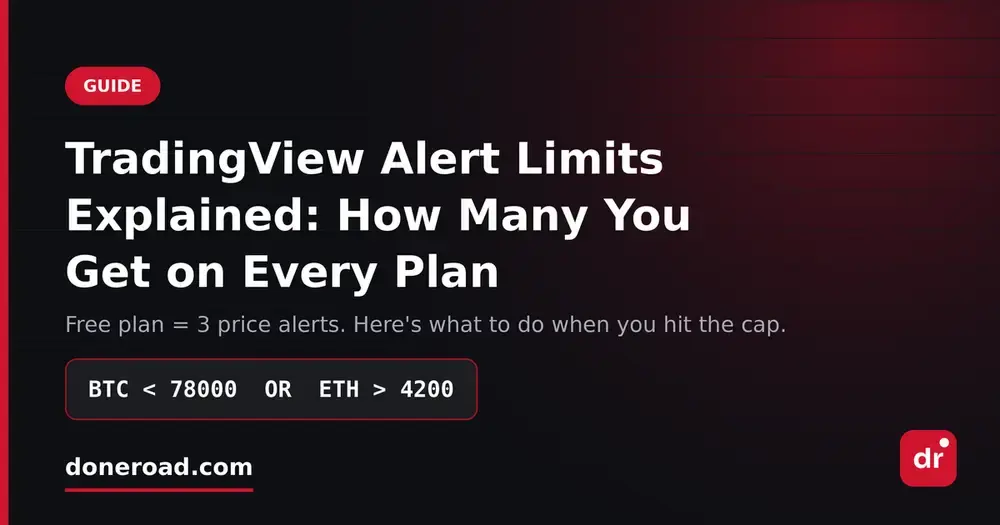
If you've ever clicked "Create Alert" on TradingView and been told you've reached your limit, you're not doing anything wrong. Every TradingView plan caps how many alerts you can keep active at once — and the free plan's cap is much lower than most traders expect.
How many alerts each TradingView plan gives you
As listed on TradingView's own pricing page:
| Plan | Price alerts | Technical alerts |
|---|---|---|
| Basic (free) | 3 | 20 |
| Essential | 20 | 20 |
| Plus | 100 | 100 |
| Premium | 400 | 400 |
| Ultimate | 1,000 | 1,000 |
The number that surprises people is the first one: three active price alerts on the free plan. If you follow BTC, ETH, gold and a couple of FX pairs, you're out of room before you've finished your watchlist.
Why "just delete old alerts" isn't a real fix
The usual advice is to clean up your alert list. That works until you realise what you're actually doing: choosing which markets you're allowed to be notified about. A swing trader watching three crypto pairs and two commodities isn't being greedy — that's a normal watchlist.
There's a second problem the limit hides. Because each alert is a single condition, you burn slots fast. Wanting to know if BTC drops below 78,000 or breaks above 84,000 is one idea, but it costs you two of your three alerts.
Three ways around the cap
1. Combine conditions instead of stacking alerts. Instead of one alert per price level, write one rule that covers the whole scenario: BTC < 78000 OR ETH > 4200. One rule, one notification, one slot.
2. Delete "information" alerts, keep "action" alerts. If an alert fires and you don't do anything, it wasn't an alert — it was a notification you'd have seen anyway. Only keep levels where you'd actually place or close a trade.
3. Move alerts off the charting tool entirely. Charting and alerting are two different jobs. You can keep using TradingView free for charts, and run your alerts somewhere with no cap.
Setting uncapped alerts free
This is the problem DoneRoad was built for. You write a rule in plain English with AND/OR conditions across crypto, stocks, forex, metals and oil, see a preview of exactly what will trigger it, and get the notification on Telegram or email. It's free while in beta, there's no code, and there's no alert limit to work around.
A rule like XAUUSD > 3900 AND BTC < 80000 is one alert on DoneRoad — on a free charting plan, that scenario isn't something you can express at all.