


How many alerts do you actually get on the free plan?
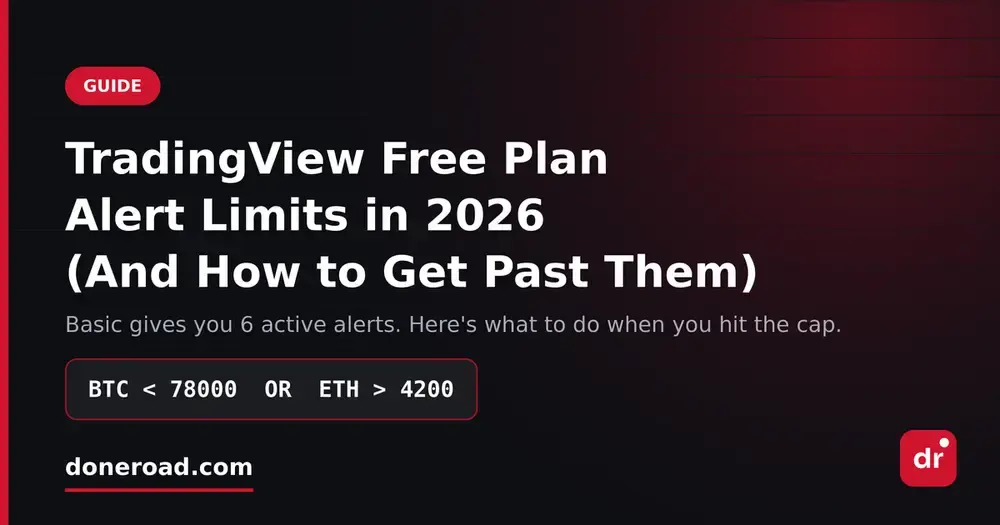
On TradingView's Basic (free) plan you get 6 active alerts: 5 price alerts and 1 technical alert. TradingView split alerts into those two buckets back in 2023, which effectively doubled what every tier had before.
For comparison, the paid tiers go: Pro 40, Pro+ 200, Premium 800 (400 price + 400 technical), and Ultimate 2000. So the jump from free to "enough" is a real subscription, not a small one.
Why 6 runs out faster than it sounds
Six sounds workable until you count how you actually trade. One position usually eats two alerts — a level where you'd add and a level where you'd cut. So six alerts is three ideas. Three.
And alerts don't just sit there. Every one that fires is one you have to re-arm, so an active week quietly burns through your slots. If you watch more than one market — say BTC and ETH, plus gold, plus a couple of FX pairs — you're not choosing your best setups, you're choosing which markets to stop watching.
The other limit nobody mentions: where the alert goes
The count isn't the only ceiling. On the free plan your alert lands as a browser popup or an app notification. If you want it pushed somewhere you actually read — a Telegram chat, for instance — the normal route is a webhook, and webhooks aren't part of the free tier. So a free alert only works if you're already in front of the platform, which is the exact situation alerts are supposed to save you from.
Three ways around the cap
1. Consolidate with OR logic. Instead of one alert per level, write one rule that covers both sides of a position: BTC < 78000 OR BTC > 84000. Same coverage, half the slots. Do this across your book and you'll often cut your alert count by 40–50% without losing anything.
2. Retire alerts on a schedule. Once a week, open your alert list and delete anything tied to an idea you've stopped trading. Most traders are carrying two or three dead alerts they've forgotten about. That's a third of a free plan.
3. Move the noisy ones off TradingView. Keep TradingView's slots for the technical, indicator-based alerts it's genuinely good at, and run your plain price levels somewhere without a cap. That's what we built DoneRoad for: unlimited free price alerts across crypto, stocks, forex, gold and oil, with AND/OR conditions, a plain-English preview of the rule before you save it, and delivery to Telegram and email. No code, no card, no per-alert limit.
Should you just upgrade?
If you rely on indicator and strategy alerts — crossovers, custom Pine scripts, screener conditions — then yes, Pro or Premium earns its money, and nothing free replaces that.
But if most of your alerts are "tell me when it reaches this number," you're paying a chart subscription to do the simplest job on the list. Split the work: indicators on TradingView, price levels somewhere free.