


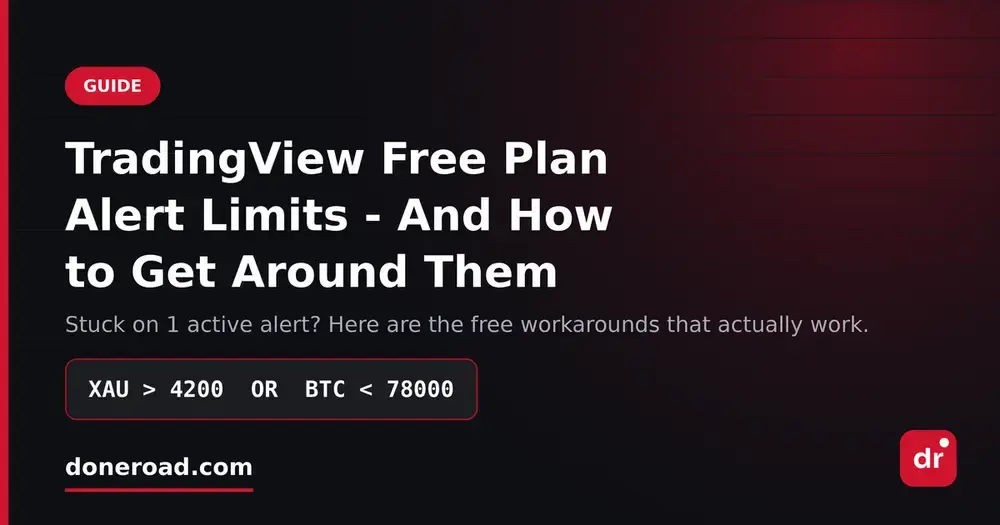
TradingView Free Plan Alert Limits — And 4 Free Ways Around Them
You set up an alert, go to set up a second one, and TradingView tells you you've reached your limit. It's one of the most common reasons people end up on a paid plan — and one of the easiest to work around.
What the limit actually is
TradingView's free (Basic) tier caps how many alerts you can have active at once, and it's a small number — check the current cap on your own account, since it has changed over the years. The paid tiers raise that ceiling in steps, which is exactly the point: alerts are one of the main upgrade levers. There are also secondary limits that catch people out — alerts on the free tier can expire after a set period, and server-side alerts only run while they're active, not archived.
The important part: the cap is on active alerts, not on how many price levels you care about. That distinction is where all four workarounds come from.
1. Merge levels into zones
Most traders burn alerts by setting one per price line. If you're watching 1.0850, 1.0820 and 1.0790 on EUR/USD, that's three alerts for what is really one decision: "tell me when price enters my buy zone." Replace them with a single alert at the outer edge of the zone and do the rest with your eyes once you're already looking at the chart. Three alerts become one.
2. Delete alerts that have never made you act
Go through your active list and be honest: which of these fired in the last month and led to an actual order? Alerts you ignore aren't free — they're occupying a slot and training you to dismiss notifications. Most people can clear half their list this way.
3. Use alerts only on the timeframe you trade
An alert on a 5-minute level when you hold positions for two weeks is noise with a cost. One alert per instrument on your decision timeframe is usually enough.
4. Move price alerts off TradingView entirely
This is the one most people miss. You don't need TradingView's charting to get a price notification — you only need price data and a delivery channel. Moving the plain "tell me when X hits Y" alerts to a separate free tool frees up every TradingView slot for the alerts that genuinely need indicators or drawings behind them.
That's why DoneRoad exists. It's free (currently in beta), no code, and it does the one thing that's awkward everywhere else: multi-condition rules. You can write a single alert like:
BTC < 78000 OR BTC > 84000
or
XAU > 4200 AND EURUSD < 1.0820
…and it counts as one alert, not two or three. You get a plain-English preview of the rule before you save it, and the notification arrives on Telegram and by email. Crypto, stocks, forex, precious metals and oil are all supported.
The bigger point
Hitting the free-plan cap usually isn't a sign you need more alerts — it's a sign your alerts are set at the wrong level of abstraction. One alert per setup instead of one per price line will get most traders under any plan's limit, and will cut the number of notifications you ignore at the same time.
If you'd rather not think about limits at all, set up a free multi-condition alert on DoneRoad — takes about two minutes and there's nothing to install.